
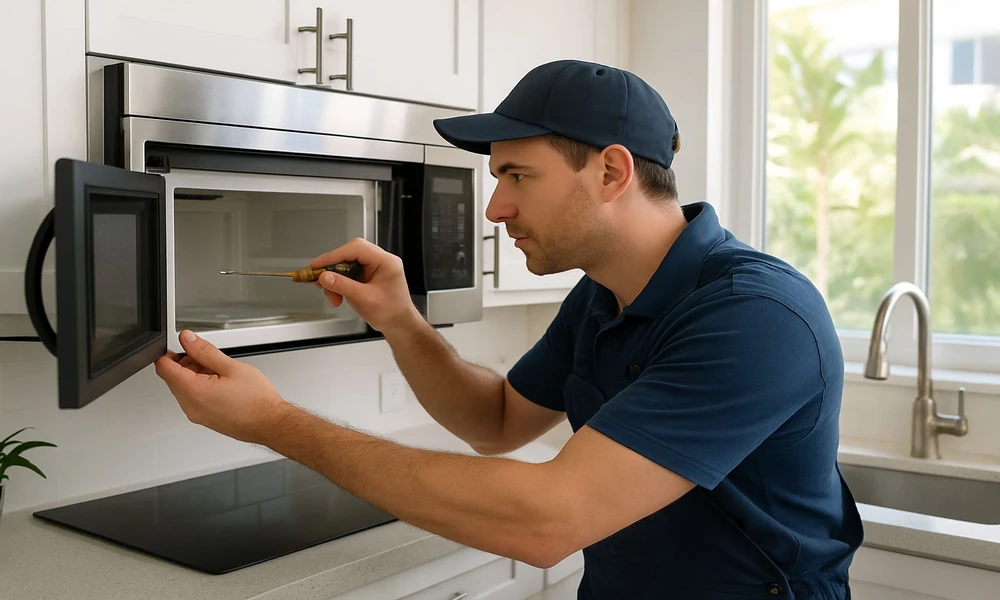
Microwaves are among the simplest appliances to use and among the ones people are most wary of troubleshooting, which is reasonable – they contain a high-voltage section that remains dangerous after the appliance is unplugged.
Fortunately, most common complaints have causes you can address without opening anything. This guide covers those, and marks clearly where to stop.
Waveguide cover replacement and cavity specifics differ by model, and the Sharp microwave manuals document which parts are user-replaceable.
Sparking inside the cavity
Alarming but usually straightforward. Stop the appliance immediately, then check:
Metal in the cavity. Cutlery, foil, decorative gold or silver trim on crockery, and metal twist ties all arc.
The waveguide cover – a small rectangular panel, usually mica, on the cavity wall. If it is burnt, greasy or carbonised, it will arc. It is a replaceable part on most models.
Food splatter burnt onto the cavity walls, which carbonises and then arcs.
Damaged interior paint exposing bare metal, which arcs and worsens with use.
A clean cavity, a clean undamaged waveguide cover and no metal present should mean no arcing. Continued sparking after those checks means stopping use and getting it looked at.
It runs but does not heat
The turntable turns, the light is on, the fan runs, and the food stays cold. This generally indicates a fault in the high-voltage section or the magnetron.
Check a demo or display mode is not active – some models have one, and it runs everything except the magnetron.
Check the power level setting. A very low power level heats slowly and can appear not to work on a short run.
Test properly: heat a cup of water for one minute and check whether it warms at all. Testing with a dense or frozen item is misleading.
Confirmed no heating is a service matter. Do not open the housing. The high-voltage capacitor can hold a lethal charge long after disconnection, and this is one of the few household appliances where that warning is literal rather than precautionary.
Uneven heating and cold spots
Microwaves heat unevenly by nature. Energy forms a standing wave pattern in the cavity, which is why the turntable exists.
Confirm the turntable is rotating and correctly seated on its coupler.
Place food off-centre where possible – the centre of the cavity often receives less energy.
Use lower power for longer on dense or frozen items, allowing heat to conduct inward.
Stir and rest food partway through, which does more for evenness than any setting.
Cover food to trap steam, which distributes heat.
Turntable problems
Check the roller ring underneath is present and running in its track.
Check the coupler in the cavity floor engages the underside of the plate.
Clean underneath – debris in the track stops rotation.
Confirm the plate is the correct one for the model; replacements vary in coupler design.
Door and interlock issues
Microwave doors contain multiple interlock switches that must all engage. If one fails, the appliance will not run, and this is a deliberate safety design.
Check nothing is obstructing the door or the latch recess.
Clean the door seal area and the latch hooks.
Check the door is not sagging or warped, which prevents proper engagement.
A door that does not close properly, is visibly damaged, or has a damaged seal means the appliance should not be used. The door and its seal are what contain the microwave energy.
Power level behaviour and demo modes vary between ovens, so look it up here before assuming the magnetron has failed.
Noise
A humming that varies with power level is normal magnetron operation.
Fan noise is normal and continues briefly after a cycle ends on some models.
Grinding usually points to the turntable motor or the roller ring.
A loud buzzing accompanied by a burning smell means stopping immediately.
Cleaning
Heat a bowl of water with lemon for a few minutes to soften residue, then wipe out.
Avoid abrasives on the cavity, which damage the interior coating.
Clean the waveguide cover gently – it is fragile and must not be removed unless you are replacing it.
Keep the door seal area clean.
Frequently asked questions
Is it safe to run a microwave empty?
No. With no load to absorb the energy, it reflects back into the magnetron and can damage it.
Can I replace the waveguide cover myself?
On many models it is an accessible replaceable part. Follow the procedure for your model and unplug the appliance first.
Does a microwave lose power with age?
Magnetrons do weaken over years. Gradually lengthening heating times with a clean cavity is the usual sign.
Safety note: never open a microwave oven housing. The high-voltage capacitor can retain a lethal charge after disconnection. Do not use an appliance with a damaged door, seal or interior. Refer internal faults to a qualified technician.